> For the complete documentation index, see [llms.txt](https://doc.lockerprotocol.com/llms.txt). Markdown versions of documentation pages are available by appending `.md` to page URLs; this page is available as [Markdown](https://doc.lockerprotocol.com/vault/signature-journal.md).
# Signature journal
An encrypted diary of everything the Vault signed.
Every time the Vault signs something, it writes an entry in the journal: what was signed, for which account, on which chain, and which warnings you acknowledged. Entries are encrypted with your master password.
## What you need
* The Vault, unlocked.
{% stepper %}
{% step %}
### Open the Activity tab
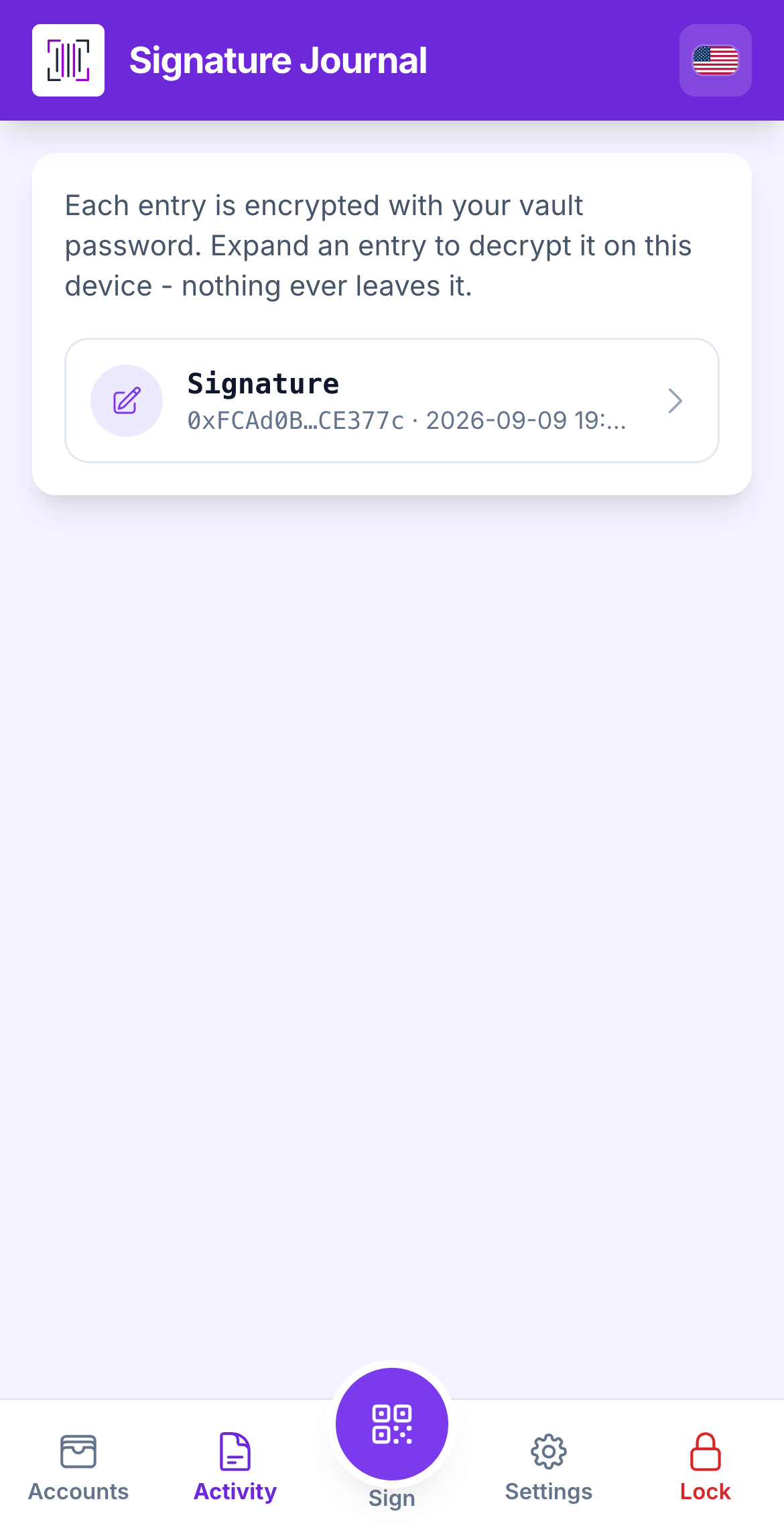
Tap **Activity** in the bottom bar (second slot, left of the round Sign button). The list shows one line per signature, newest first, with a **Signature** badge. If it is empty, *entries appear after your next signing*.
The journal list.
{% endstep %}
{% step %}
### Expand an entry
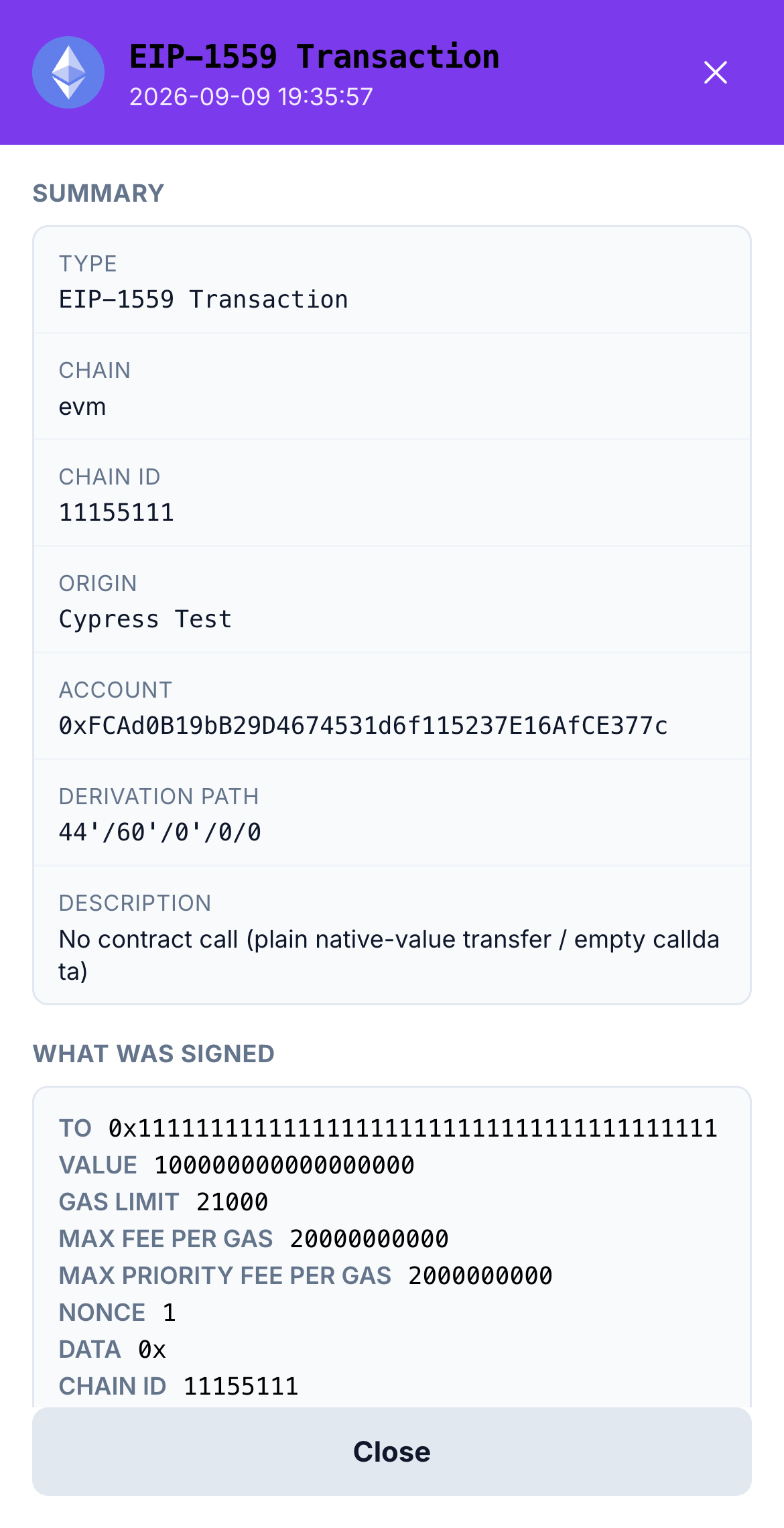
Tap an entry. The Vault decrypts it on the spot (you may be asked to **Unlock the journal**). You see the **Summary**, **Type**, **Chain**, **Origin** (the site that asked), **Account**, **What was signed**, the **Signatures**, and **Acknowledged warnings** if you ticked any.
One entry, decrypted.
{% endstep %}
{% step %}
### Show raw data
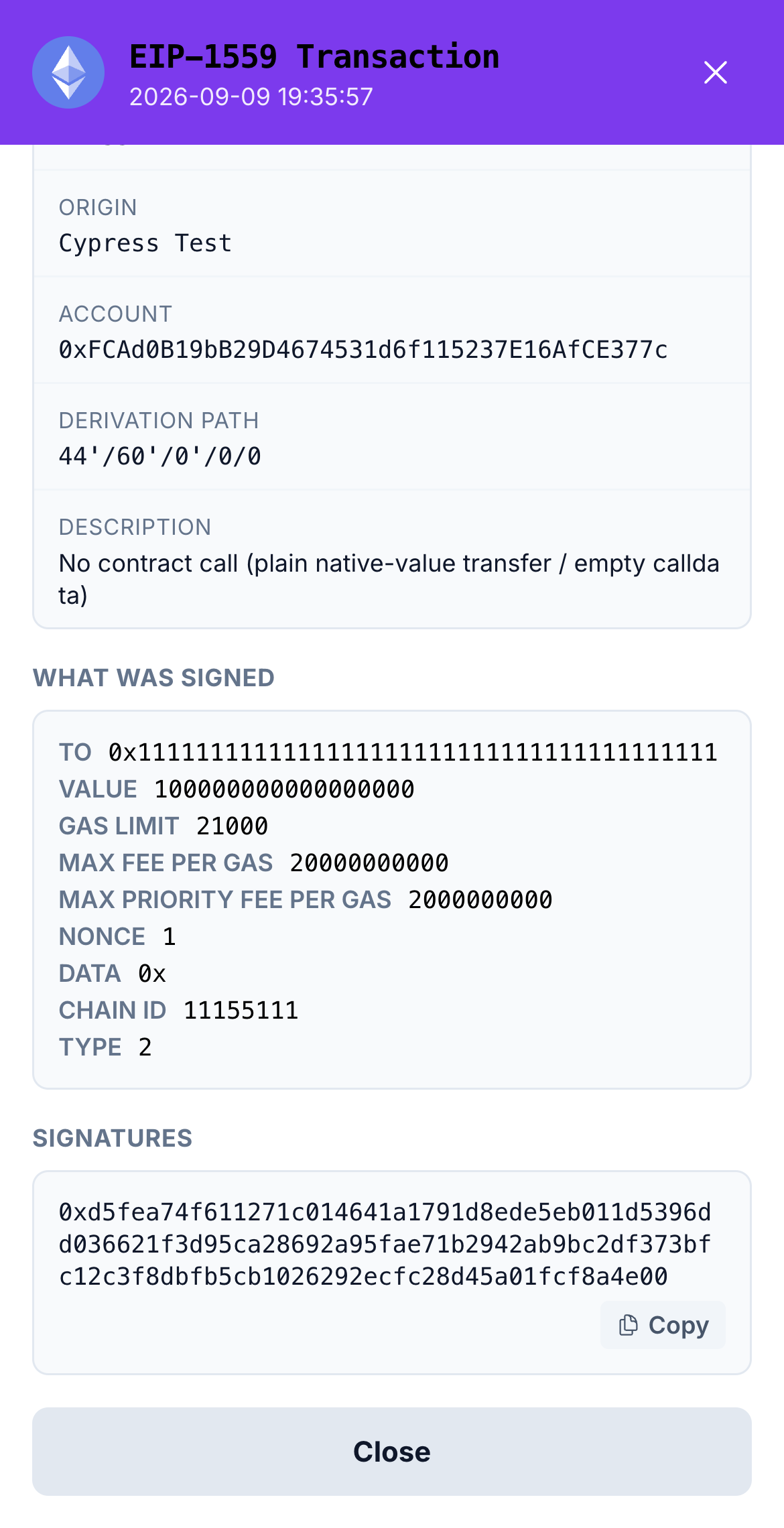
Tap **Show raw data** to see the exact bytes that were signed. Very long values are cut for storage; **Show everything** reveals the rest.
The raw payload.
{% endstep %}
{% endstepper %}
{% hint style="info" %}
**Why it is useful:** if you ever wonder "did I really sign that?", the journal answers. It also helps a friend or support understand what happened, without them needing your keys.
{% endhint %}
{% hint style="warning" %}
*"Cannot decrypt this entry"* means the master password changed after the entry was written, or the data is damaged. The signature itself was still valid at the time.
{% endhint %}
---
# Agent Instructions
This documentation is published with GitBook. GitBook is the documentation platform designed so that both humans and AI agents can read, navigate, and reason over technical content effectively. Learn more at gitbook.com.
## Querying This Documentation
If you need additional information that is not directly available in this page, you can query the documentation dynamically by asking a question.
Perform an HTTP GET request on the current page URL with the `ask` query parameter, and the optional `goal` query parameter:
```
GET https://doc.lockerprotocol.com/vault/signature-journal.md?ask=&goal=
```
`ask` is the immediate question: it should be specific, self-contained, and written in natural language.
`goal` is optional and describes the broader end goal you are ultimately trying to accomplish on behalf of the user. GitBook uses it to tailor the answer towards what is most useful for that goal.
The response will contain a direct answer to the question and relevant excerpts and sources from the documentation.
Use this mechanism when the answer is not explicitly present in the current page, you need clarification or additional context, or you want to retrieve related documentation sections.