> For the complete documentation index, see [llms.txt](https://doc.lockerprotocol.com/llms.txt). Markdown versions of documentation pages are available by appending `.md` to page URLs; this page is available as [Markdown](https://doc.lockerprotocol.com/vault/sign-a-transaction/solana.md).
# Solana review screen
Simulation results and the warnings that matter.
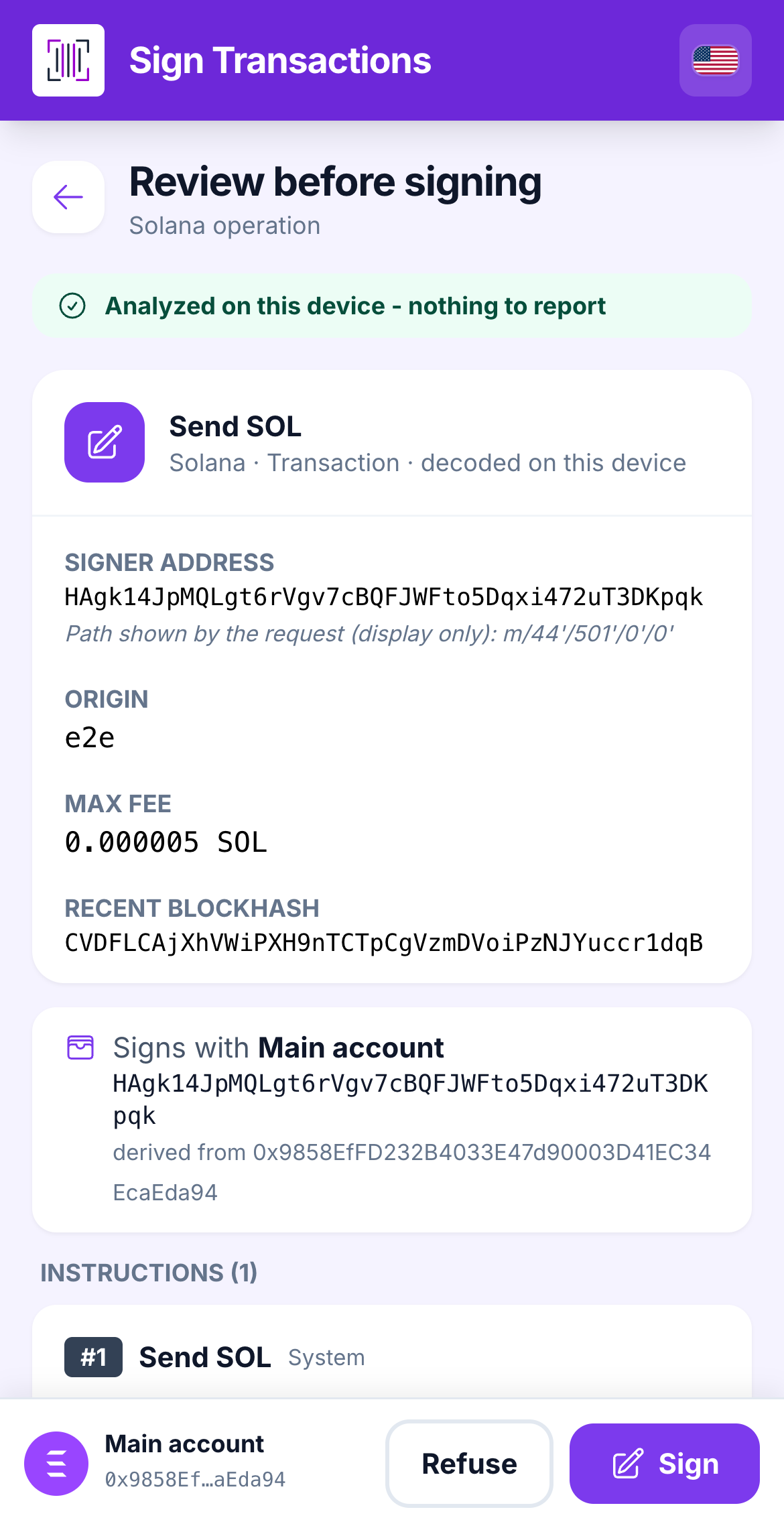
Solana transactions are lists of **instructions**. The Vault decodes each one it knows (send SOL, token transfer, create token account, stake, …) and flags anything it cannot read.
{% stepper %}
{% step %}
### The instruction list
Under **Solana operation** you see the **Signer address**, the **Max fee**, then the **Instructions**: *Send SOL*, *Token transfer*, *Create token account (ATA)*, *Delegate stake*, and so on, each with its fields (**To**, **Amount**, **Mint**, …).
A token transfer decoded instruction by instruction.
{% endstep %}
{% step %}
### Simulation (from the online device)
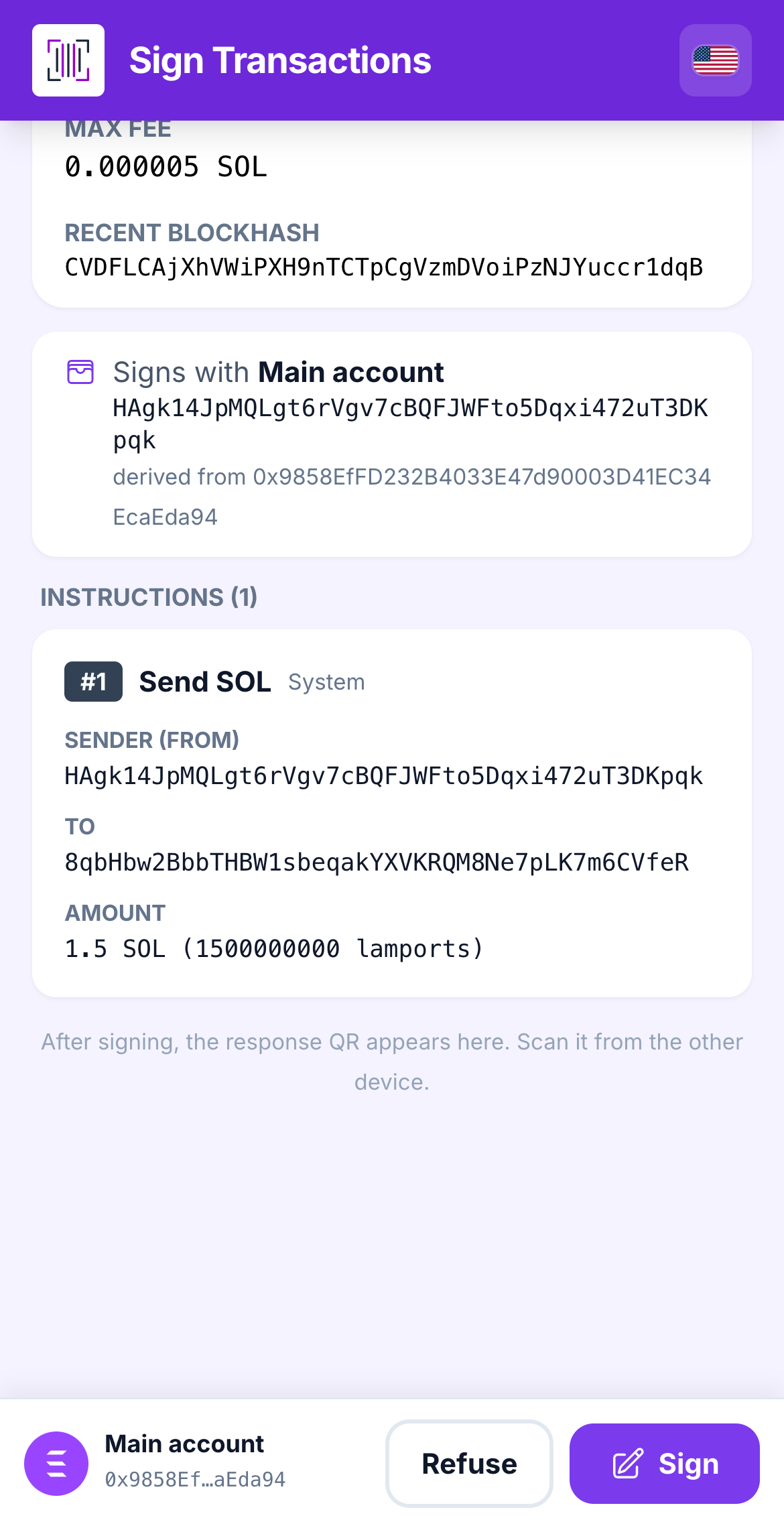
The extension may attach a **simulation**: what balances would change. It is *advisory*: it was computed online and cannot be checked here. The Vault's own decoding is what counts.
The decoded instruction: sender, recipient, amount.
{% endstep %}
{% step %}
### The warnings
* **Program not decoded** (grey strip, no checkbox): the Vault cannot read that instruction, but it names the program when it knows it (*Jupiter*, *Raydium*, *Orca*, *Meteora*, *Marinade*, *Metaplex*, *Pump.fun*, *Squads*) and it still checked *the signing account, the network, the fees, and what leaves the account*.
* **ACCOUNT HANDOVER** (red): an instruction changes who controls an account or authority. *The classic drainer move.*
* **UNLIMITED token delegate** (red): someone may move all of that token.
* **Address lookup tables**: some accounts are marked **UNVERIFIED** because they were resolved online.
* **Durable nonce**: the transaction *never expires* once signed.
A red strip with Solana-specific warnings.
{% endstep %}
{% endstepper %}
{% hint style="warning" %}
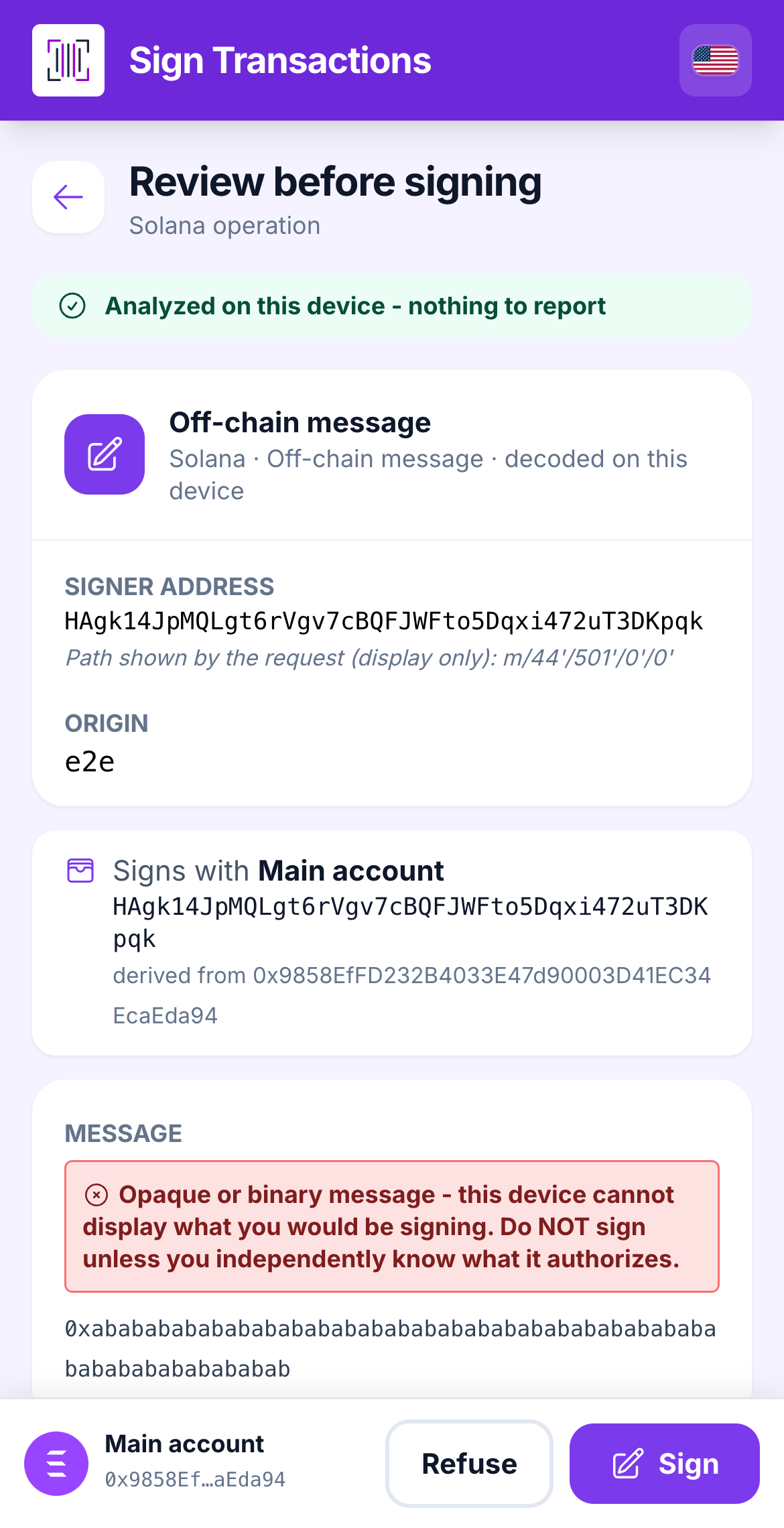
**"REFUSED: this message is a valid Solana transaction."** A site tried to pass a real transaction disguised as a harmless message. The Vault will not sign it. Nothing to do; you were protected.
{% endhint %}
## Learn more
* [Send Solana from the extension](/browser-extension/send/solana.md)
---
# Agent Instructions
This documentation is published with GitBook. GitBook is the documentation platform designed so that both humans and AI agents can read, navigate, and reason over technical content effectively. Learn more at gitbook.com.
## Querying This Documentation
If you need additional information that is not directly available in this page, you can query the documentation dynamically by asking a question.
Perform an HTTP GET request on the current page URL with the `ask` query parameter, and the optional `goal` query parameter:
```
GET https://doc.lockerprotocol.com/vault/sign-a-transaction/solana.md?ask=&goal=
```
`ask` is the immediate question: it should be specific, self-contained, and written in natural language.
`goal` is optional and describes the broader end goal you are ultimately trying to accomplish on behalf of the user. GitBook uses it to tailor the answer towards what is most useful for that goal.
The response will contain a direct answer to the question and relevant excerpts and sources from the documentation.
Use this mechanism when the answer is not explicitly present in the current page, you need clarification or additional context, or you want to retrieve related documentation sections.