> For the complete documentation index, see [llms.txt](https://doc.lockerprotocol.com/llms.txt). Markdown versions of documentation pages are available by appending `.md` to page URLs; this page is available as [Markdown](https://doc.lockerprotocol.com/vault/change-the-master-password.md).
# Change the master password
Pick a new master password. Everything on the device is re-encrypted with it.
## What you need
* The Vault, unlocked, and your current password.
{% stepper %}
{% step %}
### Open Settings → Master Password
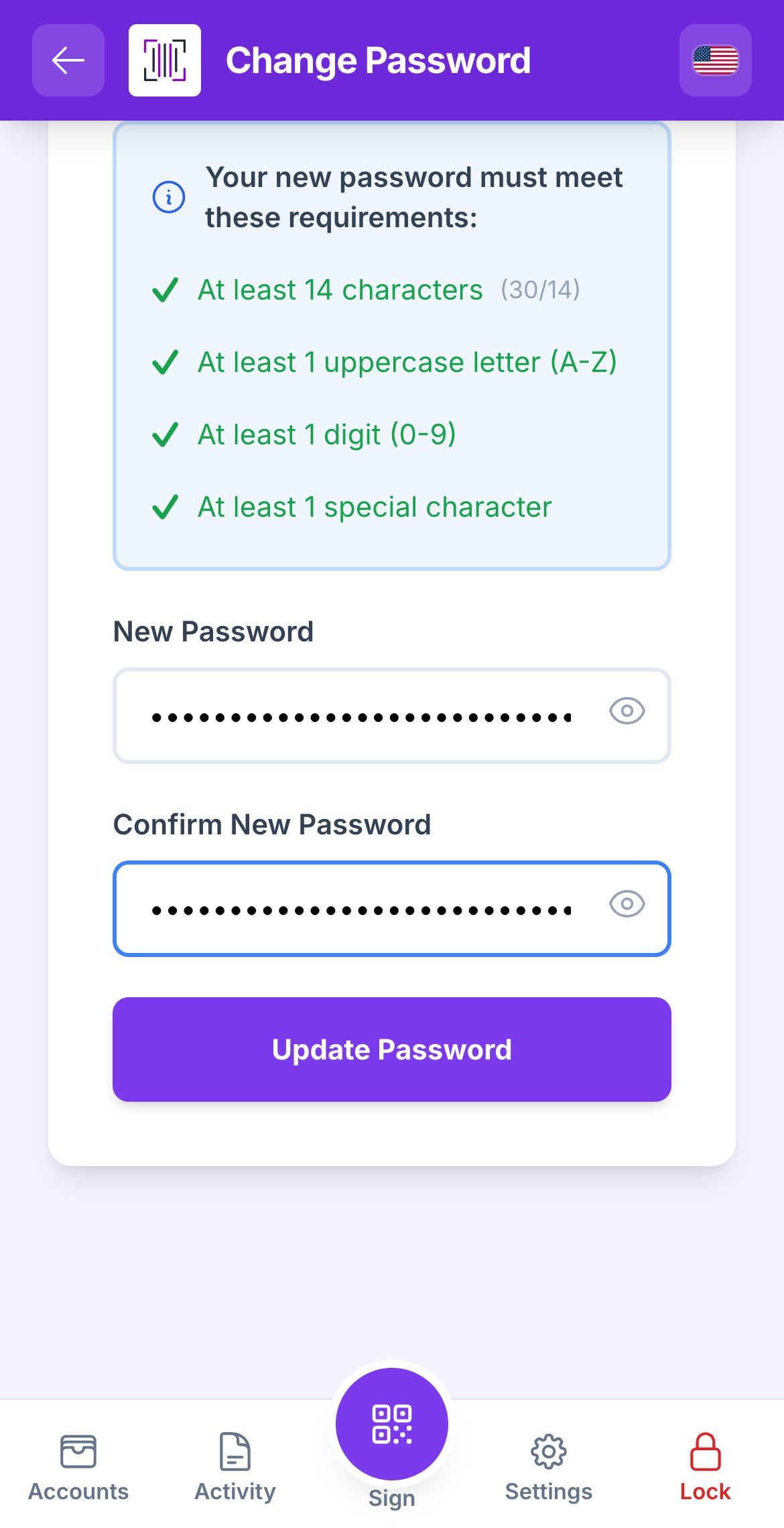
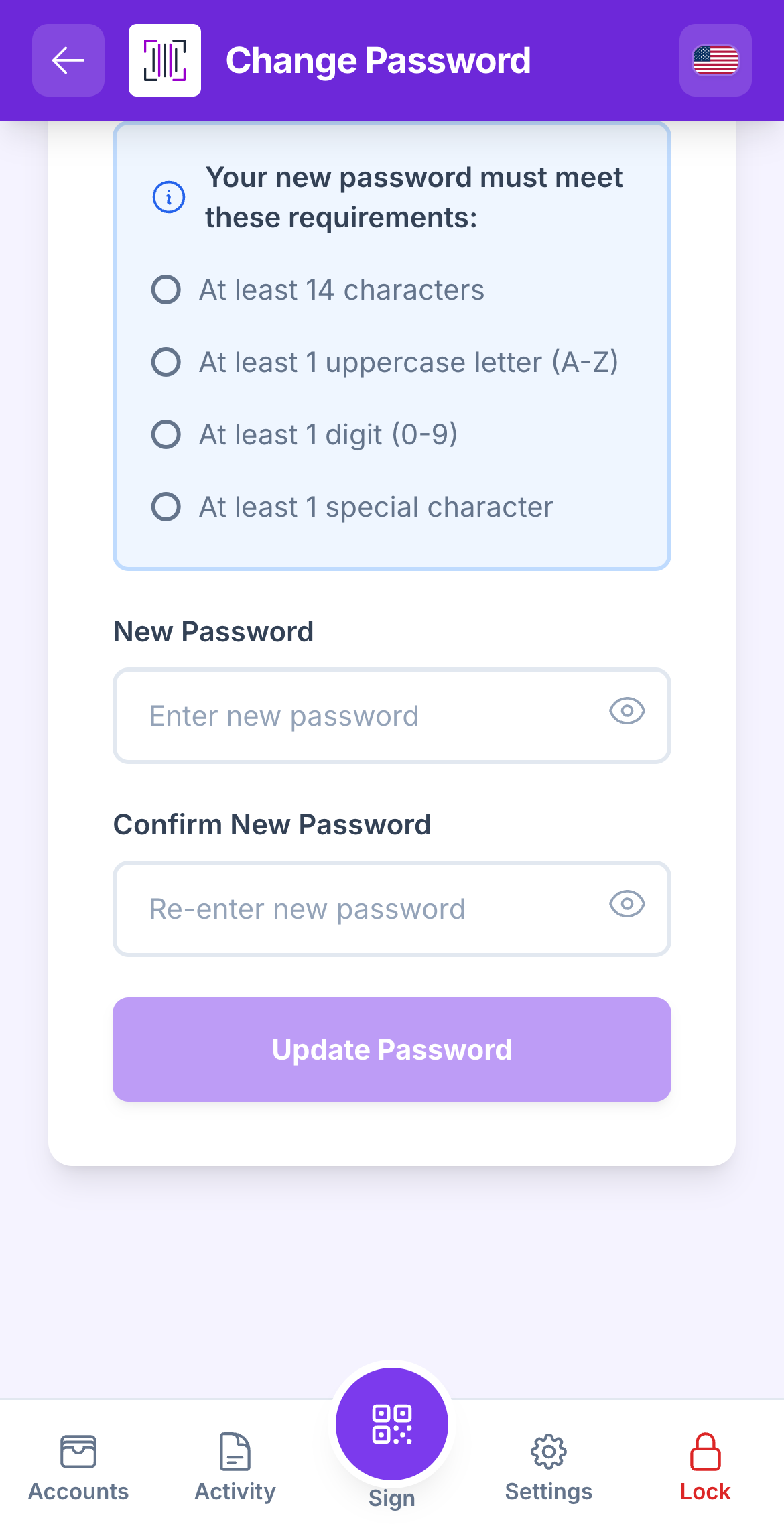
Enter the **Current Password**, then the **New Password** twice. The new one must have at least 14 characters, 1 uppercase letter, 1 digit and 1 special character; the checklist turns green as you type.
Current password, new password, and the four requirements.
{% endstep %}
{% step %}
### Tap "Update Password"
The Vault re-encrypts every account and confirms **Password changed successfully**.
Done: the form clears and the Vault confirms the change.
{% endstep %}
{% endstepper %}
{% hint style="warning" %}
Journal entries written before the change may show *Cannot decrypt this entry*. Your accounts and keys are unaffected.
{% endhint %}