> For the complete documentation index, see [llms.txt](https://doc.lockerprotocol.com/llms.txt). Markdown versions of documentation pages are available by appending `.md` to page URLs; this page is available as [Markdown](https://doc.lockerprotocol.com/browser-extension/reset-the-extension.md).
# Reset the extension
Erase everything in the extension. Your Vault is untouched.
{% stepper %}
{% step %}
### Open Reset
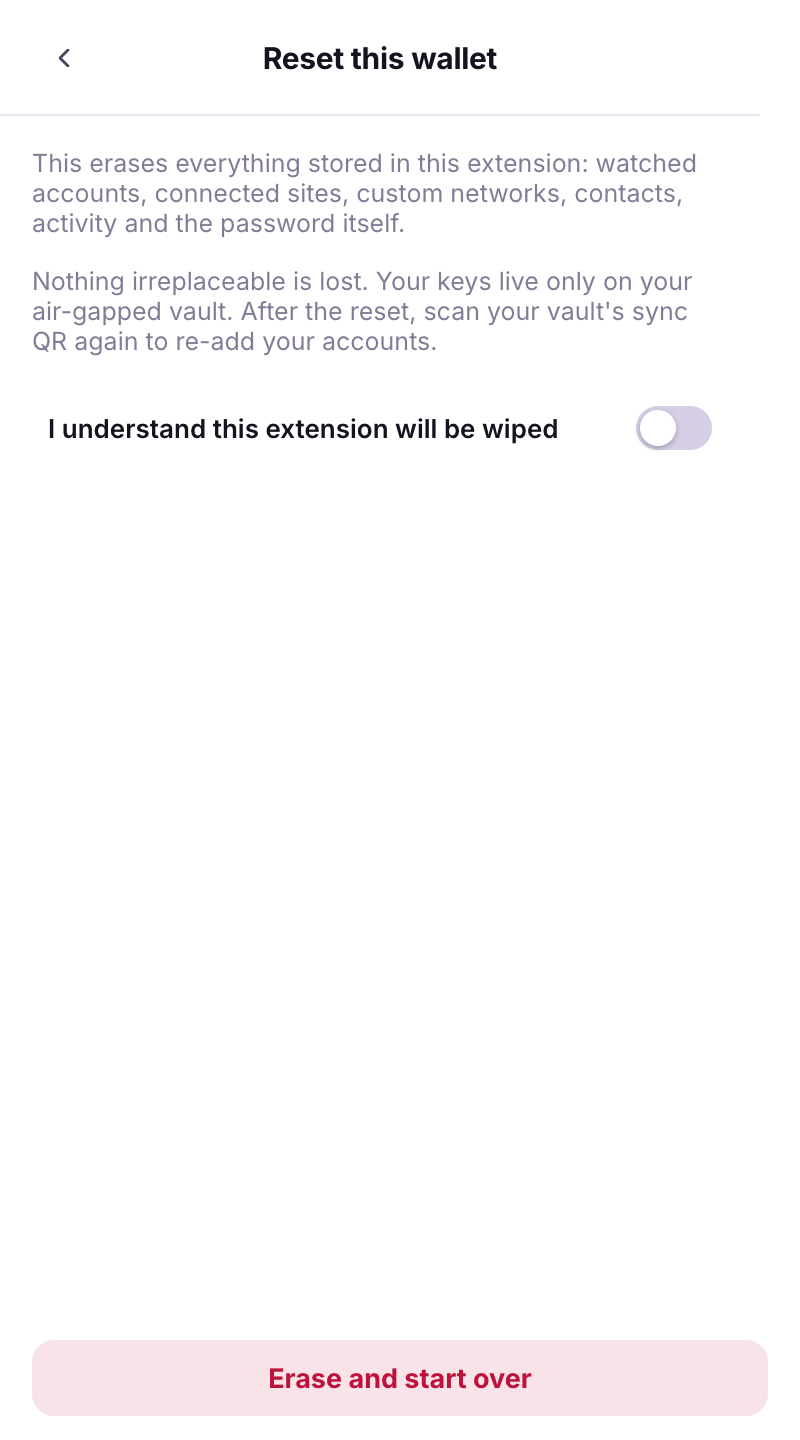
**Menu → Security → Reset this wallet**, or *Forgot password? Reset this wallet* on the lock screen. *This erases everything stored in this extension: watched accounts, connected sites, custom networks, contacts, activity and the password itself.*
The reset screen.
{% endstep %}
{% step %}
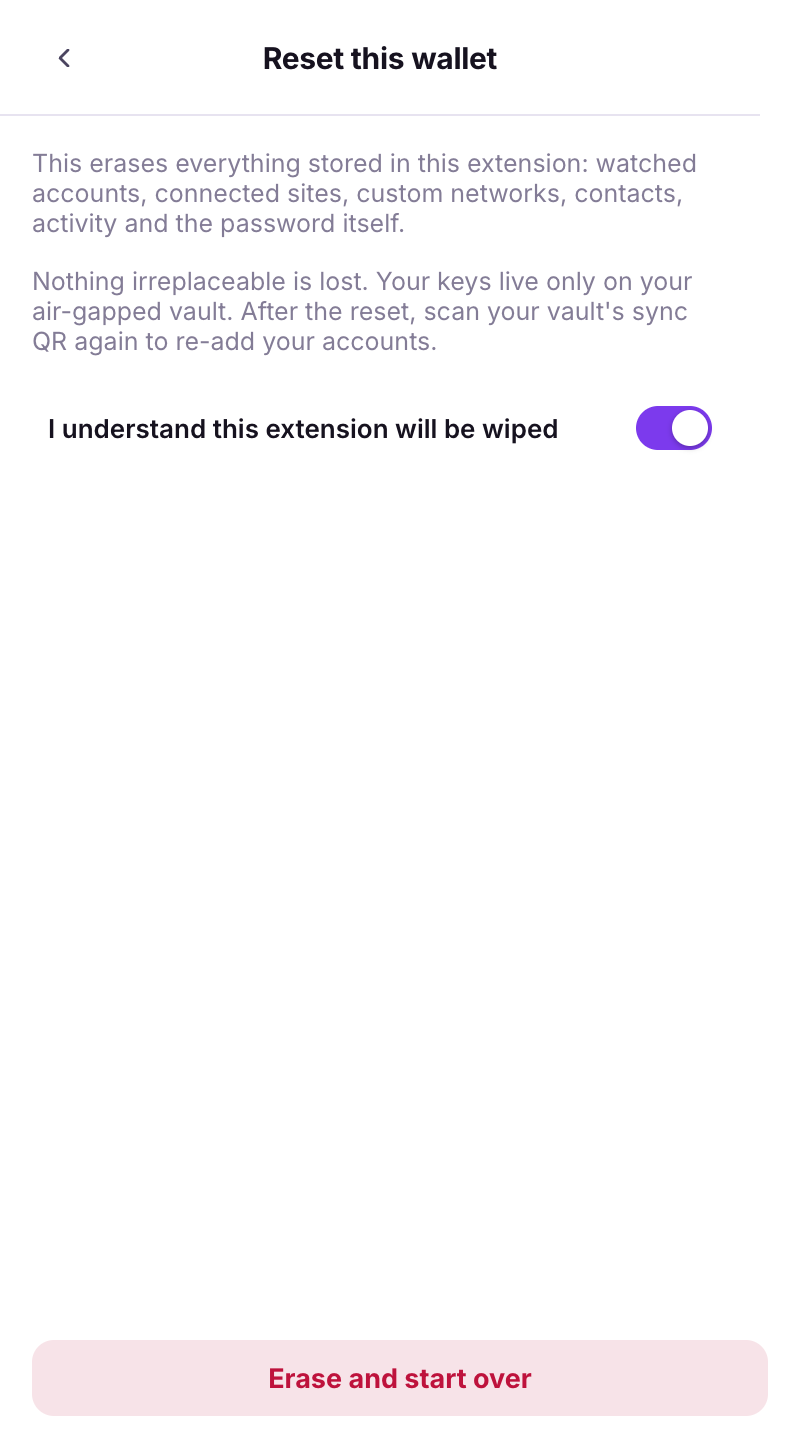
### Confirm
*Nothing irreplaceable is lost. Your keys live only on your air-gapped vault.* Tick **I understand this extension will be wiped** → **Erase and start over**. Then scan your Vault's sync QR again.