> For the complete documentation index, see [llms.txt](https://doc.lockerprotocol.com/llms.txt). Markdown versions of documentation pages are available by appending `.md` to page URLs; this page is available as [Markdown](https://doc.lockerprotocol.com/browser-extension/camera-permission.md).
# Camera permission
The camera needs to be allowed once, in a full tab.
The wallet uses your webcam for two things: reading your Vault's sync QR, and reading signed QR codes after each signature. Browsers only let a *full tab* ask for that permission, so the wallet sometimes sends you to one.
## What you need
* A webcam, not in use by another app.
{% stepper %}
{% step %}
### The "Camera permission needed" modal
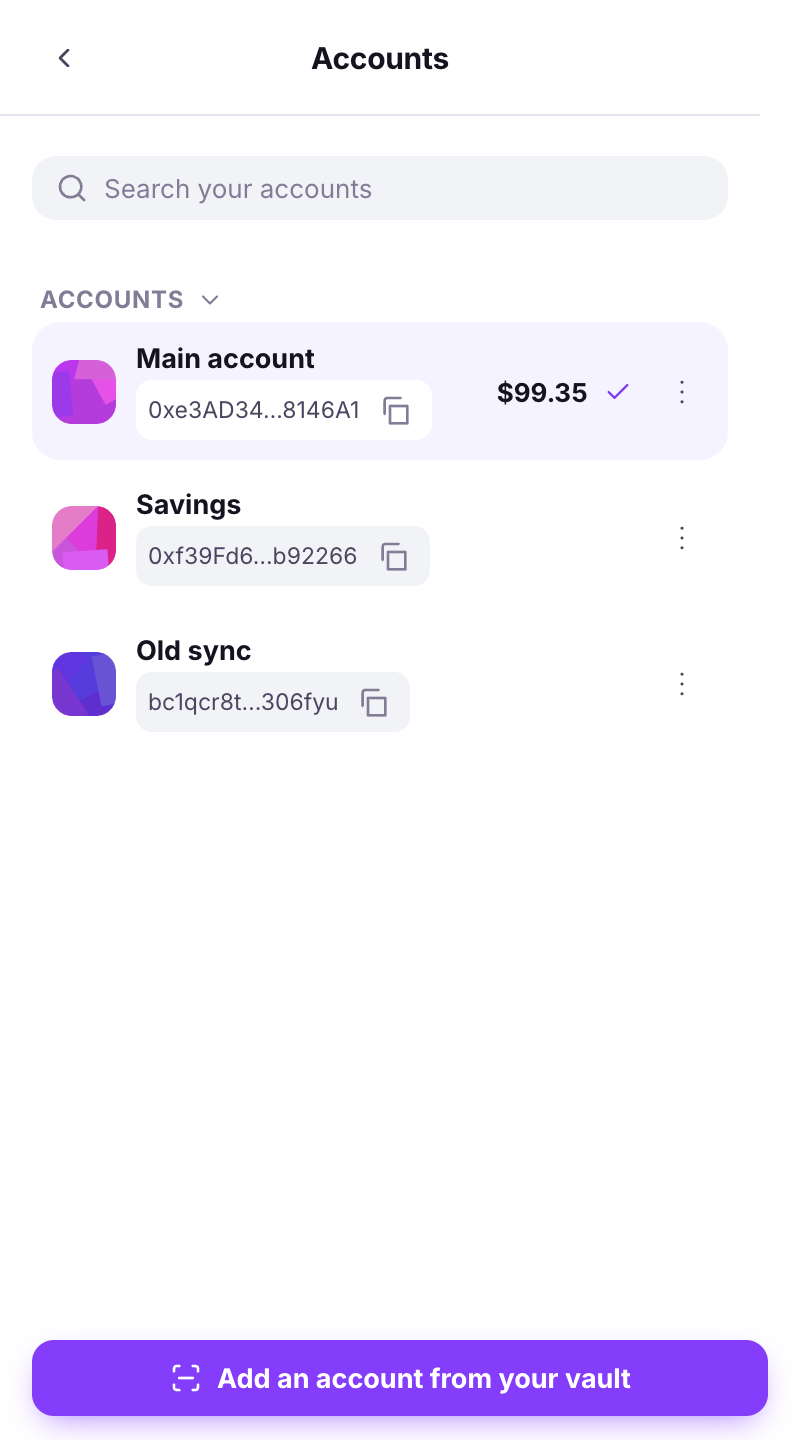
When you start a scan from the side panel before the camera was ever allowed, the wallet shows: *The camera cannot ask for permission in this panel. Continue in a full tab - after allowing it once, scanning works here too.*
The modal in the side panel.
{% endstep %}
{% step %}
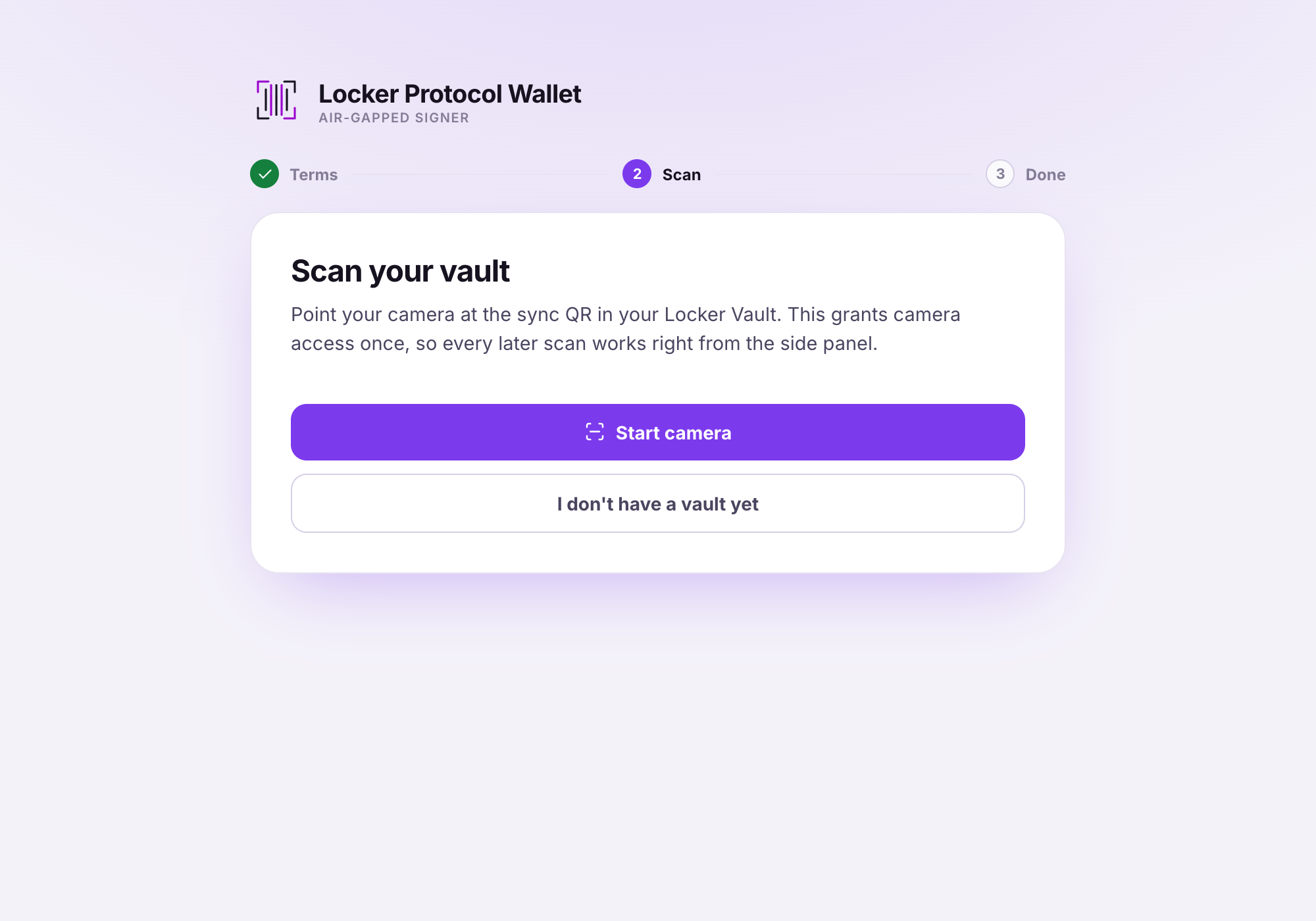
### Click "Continue in a tab"
A tab opens with the same scanner. The browser now asks **Allow camera?** Click **Allow**.
The browser's permission prompt in the tab.
{% endstep %}
{% step %}
### If you blocked it by mistake
The wallet says *Camera access is blocked for this extension.* Click the camera icon in the address bar (or open the browser's site settings for the extension) and set **Camera → Allow**, then try again.
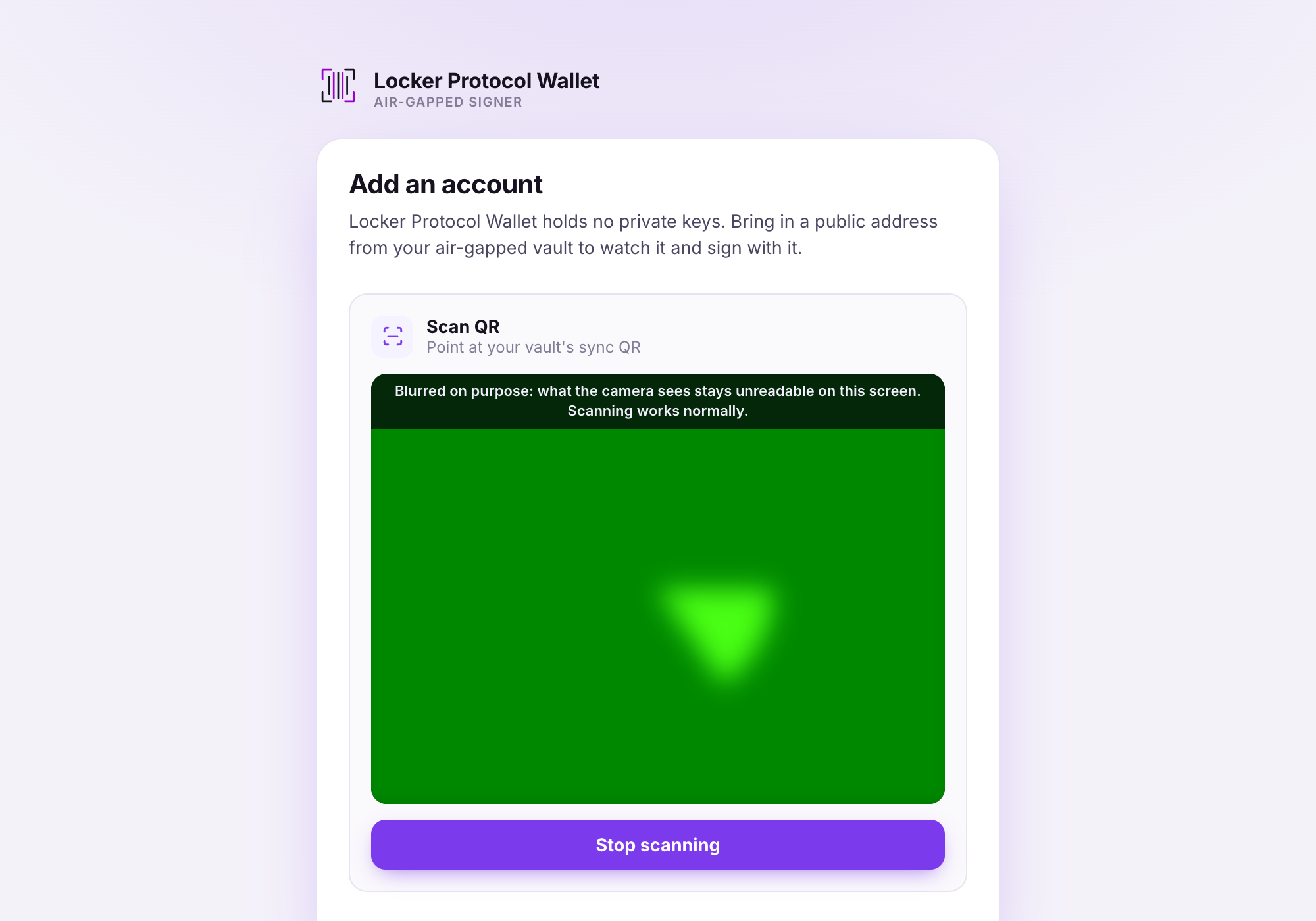
Scanning from a full tab (here, the Add an account page).
{% endstep %}
{% step %}
### The preview is blurred, and that is normal
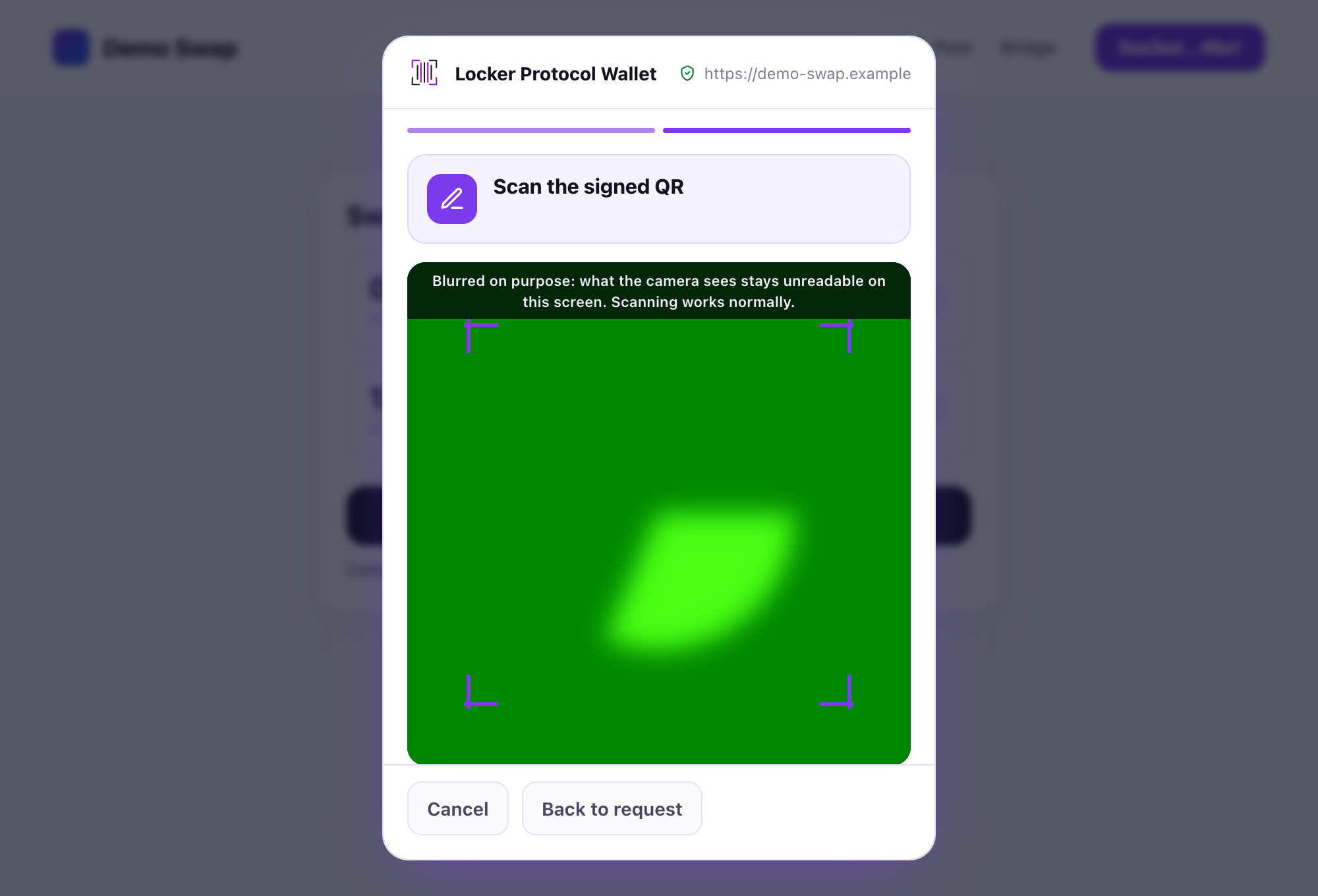
*Blurred on purpose: what the camera sees stays unreadable on this screen. Scanning works normally.* Nobody looking at your monitor can read the code off the preview.
The blurred scanner preview.
{% endstep %}
{% endstepper %}
{% hint style="info" %}
You only do this **once** per browser. After that, scanning works directly in the side panel.
{% endhint %}
{% hint style="warning" %}
**Still no picture?** Close other apps that might hold the camera (video calls), check the laptop's physical camera switch, and make sure the browser itself has camera access in your operating system's privacy settings.
{% endhint %}
---
# Agent Instructions
This documentation is published with GitBook. GitBook is the documentation platform designed so that both humans and AI agents can read, navigate, and reason over technical content effectively. Learn more at gitbook.com.
## Querying This Documentation
If you need additional information that is not directly available in this page, you can query the documentation dynamically by asking a question.
Perform an HTTP GET request on the current page URL with the `ask` query parameter, and the optional `goal` query parameter:
```
GET https://doc.lockerprotocol.com/browser-extension/camera-permission.md?ask=&goal=
```
`ask` is the immediate question: it should be specific, self-contained, and written in natural language.
`goal` is optional and describes the broader end goal you are ultimately trying to accomplish on behalf of the user. GitBook uses it to tailor the answer towards what is most useful for that goal.
The response will contain a direct answer to the question and relevant excerpts and sources from the documentation.
Use this mechanism when the answer is not explicitly present in the current page, you need clarification or additional context, or you want to retrieve related documentation sections.