> For the complete documentation index, see [llms.txt](https://doc.lockerprotocol.com/llms.txt). Markdown versions of documentation pages are available by appending `.md` to page URLs; this page is available as [Markdown](https://doc.lockerprotocol.com/browser-extension/bridge.md).
# Bridge
Move funds from one network to another.
A bridge moves value from one network to another (Ethereum → Base, Arbitrum → Solana, …). It takes minutes, and it **cannot be recalled**, so the destination address matters most.
{% stepper %}
{% step %}
### Choose what to bridge
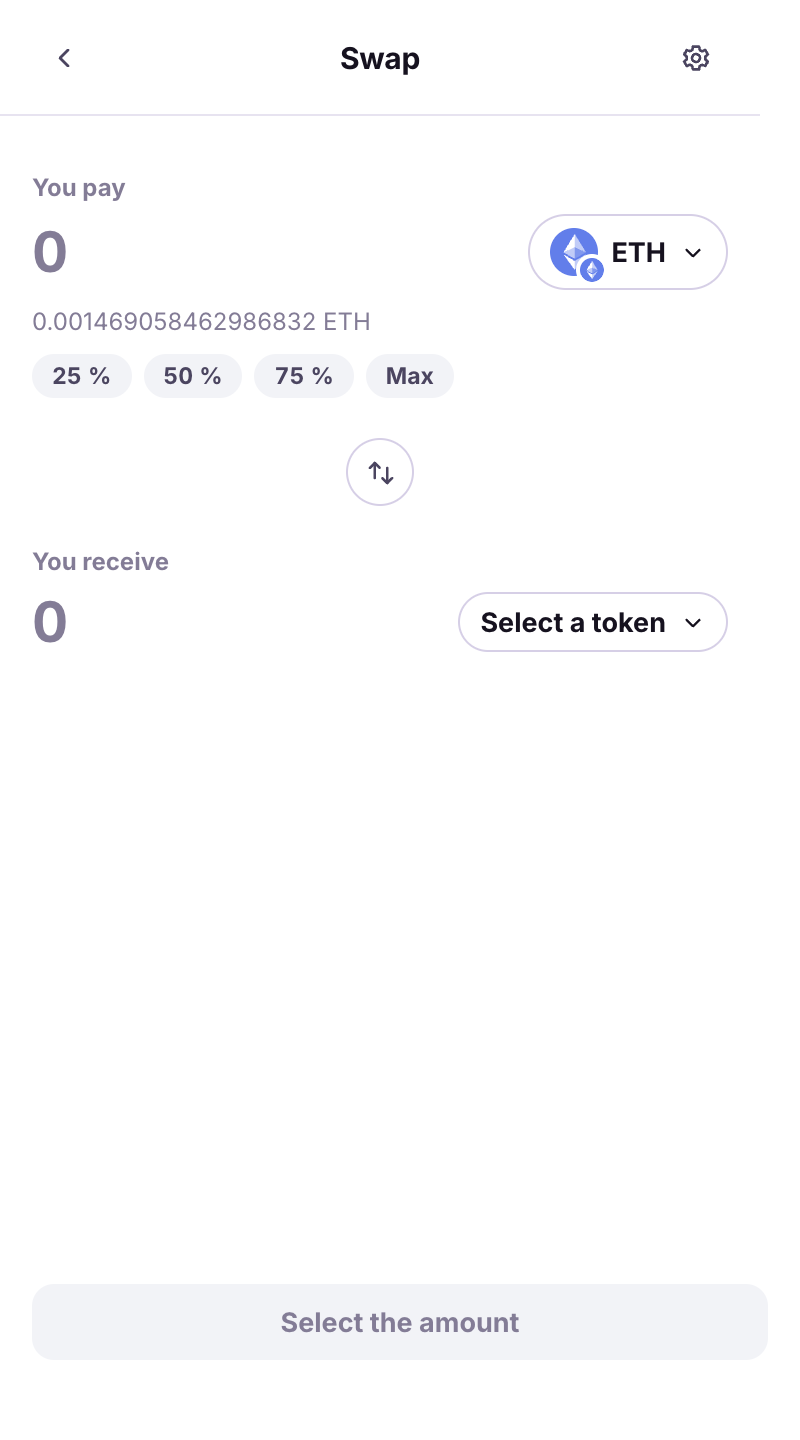
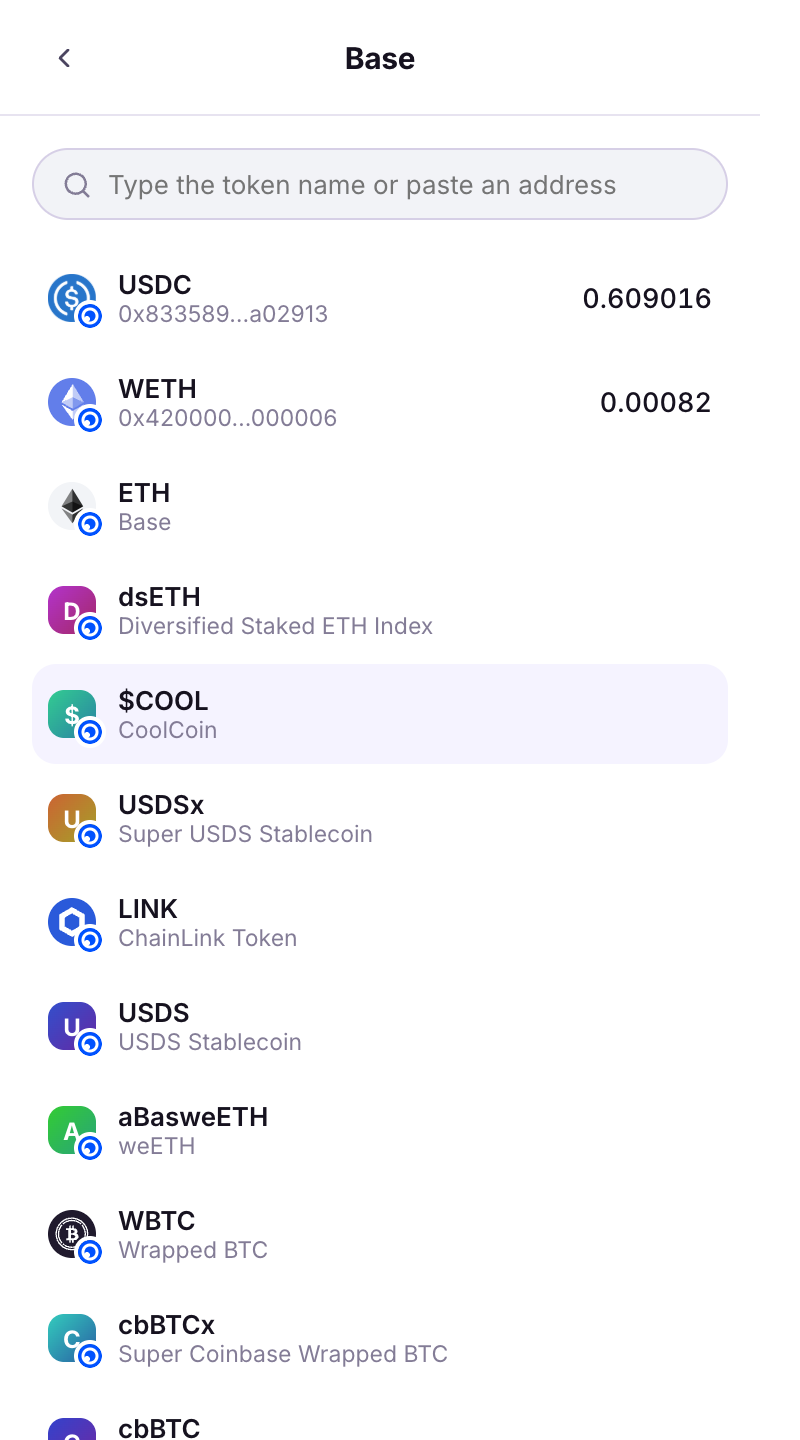
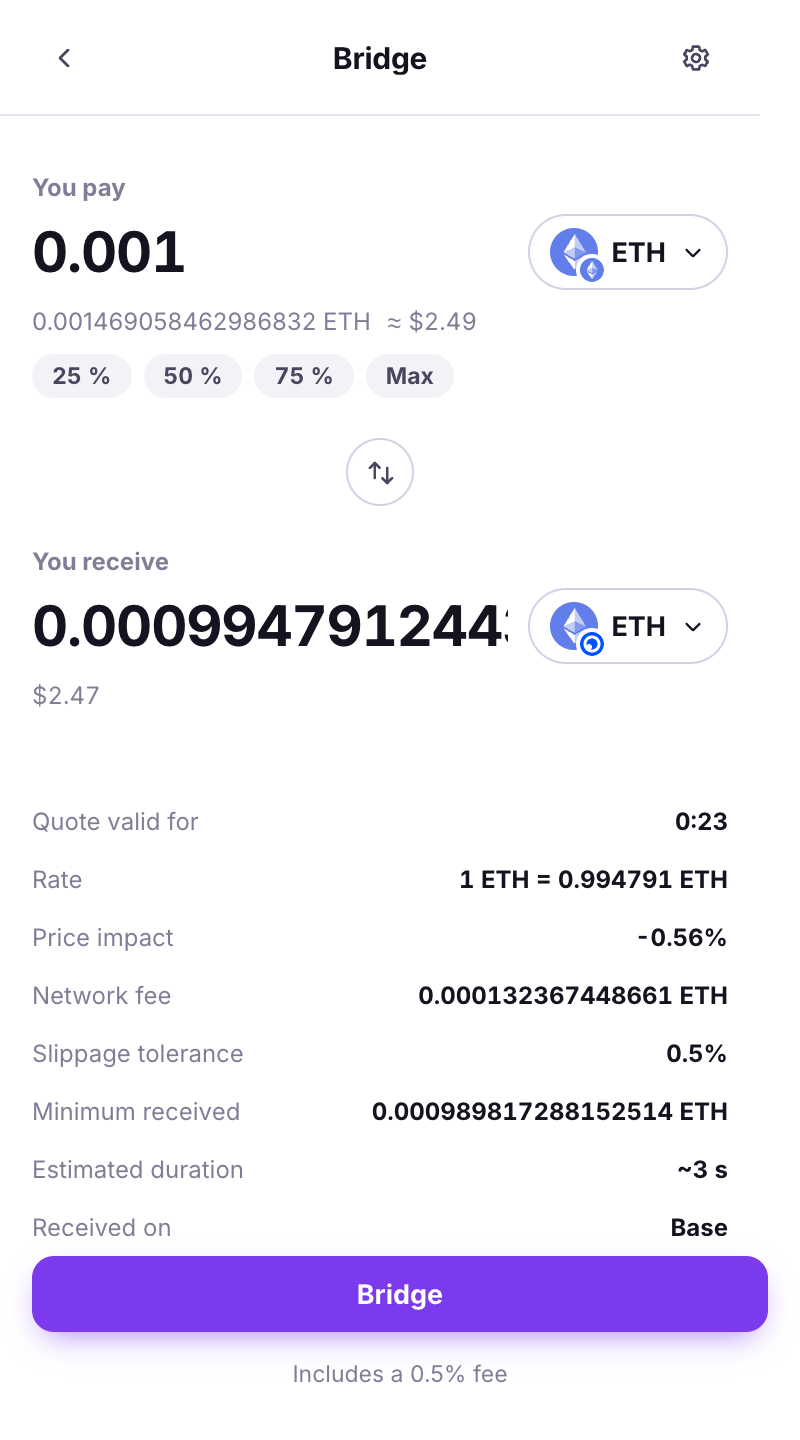
Home → **Bridge**. Pick the token and amount, then the **Destination network** and the token you want there.
The bridge form.
{% endstep %}
{% step %}
### Check the destination address
By default the funds land on **your own address** on the destination (*Use my address*). To send elsewhere, tap **Change destination**: *check it character by character: a bridge cannot be recalled.*
The destination address.
{% endstep %}
{% step %}
### Fees and duration
The summary shows **Bridge fee**, **Bridge route**, **Estimated duration** and what you will receive. One warning to respect:
* *You hold no {symbol} on {network} - without gas there you will not be able to move the received tokens.*
When no quote can be built, the wallet says which of the three reasons it is:
* *No bridge route between these two networks. Try another destination network, or bridge to an EVM network first.*
* *Amount too small for a bridge: the routes require at least about $X worth. Increase the amount.*
* *No route could be built for this amount right now. Try a larger amount, or again in a moment.*
Fees, route and ETA.
{% endstep %}
{% step %}
### Sign, then track
After the QR loop, the transaction shows **Bridging** in Activity with **Last check** / **Check now**. Statuses: **Arrived**, **Partial** (less than the quoted minimum arrived), **Refunded** (the bridge did not complete; the funds came back on the source network and the wallet links the **Refund transaction**), **Bridge failed**, or **Status unavailable** (check the two explorers).
{% endstep %}
{% endstepper %}
{% hint style="info" %}
*Tracking updates while the wallet is open and resumes whenever it reopens.* You can close the browser; the funds arrive anyway.
{% endhint %}
---
# Agent Instructions
This documentation is published with GitBook. GitBook is the documentation platform designed so that both humans and AI agents can read, navigate, and reason over technical content effectively. Learn more at gitbook.com.
## Querying This Documentation
If you need additional information that is not directly available in this page, you can query the documentation dynamically by asking a question.
Perform an HTTP GET request on the current page URL with the `ask` query parameter, and the optional `goal` query parameter:
```
GET https://doc.lockerprotocol.com/browser-extension/bridge.md?ask=&goal=
```
`ask` is the immediate question: it should be specific, self-contained, and written in natural language.
`goal` is optional and describes the broader end goal you are ultimately trying to accomplish on behalf of the user. GitBook uses it to tailor the answer towards what is most useful for that goal.
The response will contain a direct answer to the question and relevant excerpts and sources from the documentation.
Use this mechanism when the answer is not explicitly present in the current page, you need clarification or additional context, or you want to retrieve related documentation sections.